


Multi-channel calendar sync for private shared accommodations, basic tools to prevent double bookings
Double booking is a matter of structure rather than a mistake. Start by gathering scattered calendars in one place.
2026.10.19
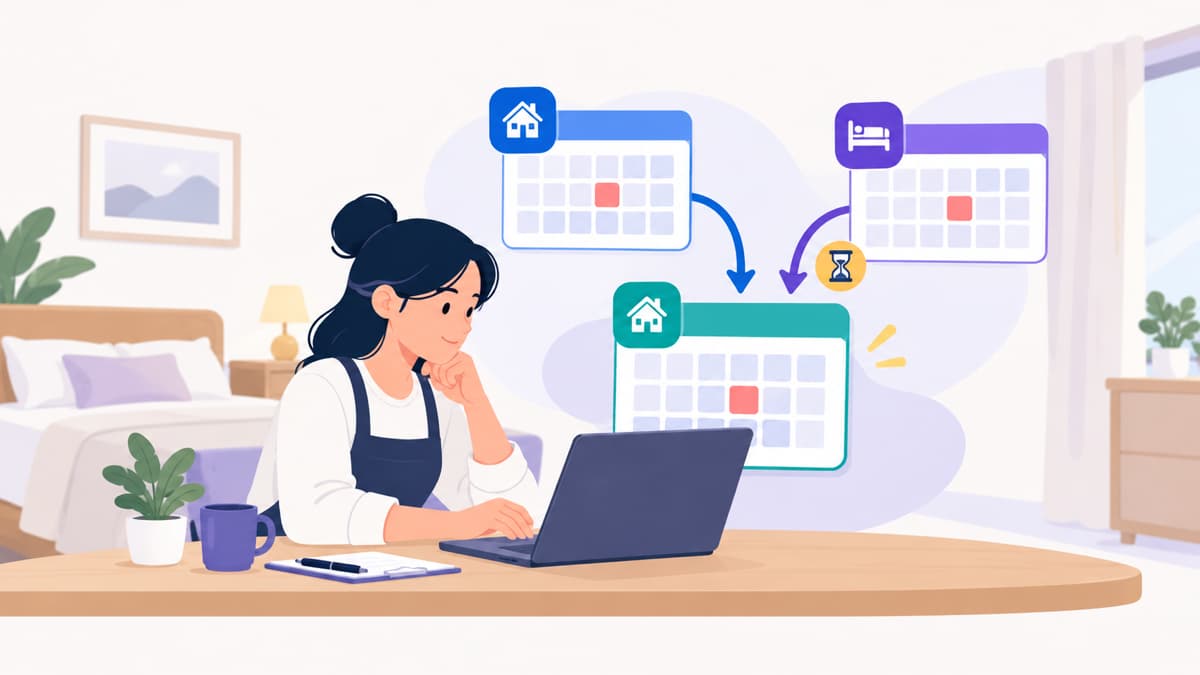
Reservations were made at two locations on the same day. Soon after the reservation was confirmed in one place, the same room was sold in another place. One of the two teams must be asked to cancel, and in the process, they must accept an apology, alternative accommodation information, and the possibility that the review may deteriorate. As the number of sales channels increases, this is not a question of skill, but a structural issue.
🔎 Why you should view your schedule in one place
When I make direct reservations and receive inquiries from friends at various OTA locations, my calendar is scattered all over the place. If you close them by hand, you can make a double reservation even if you miss only one time on a busy day. If you look at the schedule on one screen, you can see the dates that overlap with the empty dates at a glance, and if you write down your own reservations on the same calendar, omissions will be reduced. Adding a new channel, such as OTA TripBitos, which broadens exposure based on video reviews, is a good time to check existing schedule management methods.
🚧 Limitations of calendar integration
Calendar integration such as iCal is a common method of exporting a reservation schedule from one calendar in the form of an address so that the other calendar takes it. The settings are light, but they have limitations. Specific actions may vary from platform to platform.
margins | repercussions | response |
Possible renewal delays | Other channel calendars may not close immediately after booking | Check the help for how to update each OTA |
When importing only in one direction | Only one side is reflected and the other side is not reflected | Organize the connection directions for each channel in a table |
Booking information is only marked as “blocked” | It's hard to tell which channel is reserved | Add a separate schedule or memo |
Integration errors are not noticeable | It operates without knowing that it has been cut off | Set a test schedule on a regular basis to check the results |
🧭 Time to move on to channel manager
A channel manager is a system that manages inventory and charges for multiple channels on a single screen. The form and scope of integration vary from service to service. If the number of items corresponding to the following increases, it is time to review implementation.
The time required to check the schedule and reflect the handwriting has increased noticeably.
I've already had a double reservation, or there was a moment when it was breathtaking.
The number of hotels and guest rooms in operation has increased.
There are plans to further increase sales channels.
I frequently check my calendar directly due to delays in updates.
📋 Response order when a double reservation is made
Check the channel and confirmation time of the two reservations.
First, the basic principle is to maintain confirmed reservations, but check each channel's regulations.
Close all channels immediately on the same date.
Contact affected guests directly to explain the situation and suggest alternative accommodations or dates.
Check the cancellation process and whether the OTA is disadvantageous. It may vary from platform to platform.
Record the cause and check the integration method.
It's best to prevent double bookings, but knowing the order once they've been made reduces damage.
Since channel managers are often needed after the scale has grown, it may be enough just to keep the integration settings stable at this stage. Let's start by summarizing the direction of linking the channels we are currently using and how to update them in one chapter.