


Text Reviews vs. Video Reviews: How Should You Manage Them Differently?
Video reviews capture even what guests never mention. Here is how they differ from text reviews, and what to check when one is posted.
2026.11.09
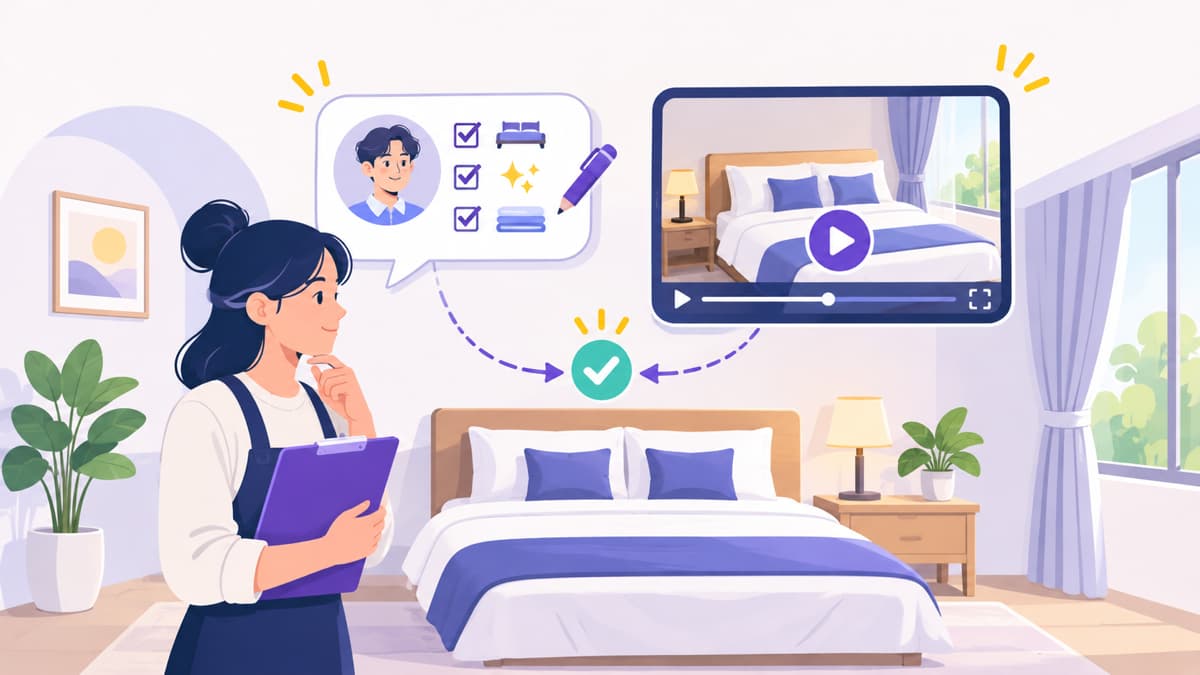
You open a review notification, and this time it is not text but a video. It captures the guest's whole path, from opening the room door and walking in to the bathroom and the view out the window. With text reviews, a few lines of thanks or apology were enough, but with a video you may not be sure which parts to look at or what to respond to. As video reviews increase, review management expands from polishing sentences to checking what your property actually looks like. Here is how the two types of reviews differ, and what to keep in mind with video reviews.
🔀 How the two types of reviews differ
Item | Text review | Video review |
Trust signal | The writer's wording and rating, accumulated reviews | The actual room and walking path can be seen with one's own eyes |
Amount of information | Mainly the items the writer mentions | Even things not mentioned are captured on screen |
Exposure of the property's appearance | Only when photos are attached | The condition at the time of filming is shown as is |
How to respond | Convey apology, explanation, and improvements in writing | Point to scenes in the video to thank, or check first and then explain |
Management point | Collect and classify complaint keywords | Check whether what appears in the video matches the property today |
How video reviews are displayed and whether replies are possible may differ by platform, so check the guidance of the channels you use first.
🔎 Check whether your property in the video matches reality
On channels such as Tripbtoz, an OTA that expands listing exposure based on video reviews, the room as shown in reviews reaches guests considering a booking exactly as it is. Since any gap between your listed photos and what the video shows becomes the gap between expectation and reality, check the items below every time a video is posted.
Are the bedding, bathroom, and floor in line with your usual operating standards?
Do the visible facilities and amenities match the listed photos and description?
Are parts you have already replaced or repaired still showing in videos?
When was it filmed, and has anything changed since then?
Are there problems that keep appearing in videos of the same room?
Does it include other guests' faces or personal information?
If the last item applies, contact the platform first; how it should be handled requires checking the relevant standards and consulting an expert.
💬 Response points when a video review goes live
Thank guests by pointing to specific scenes they liked. Mentioning scenes shown in the video, such as the view or the room's atmosphere, conveys sincerity.
Look into the issues raised without making excuses. Briefly explain what you found and what you did about it.
If something is untrue, state only the facts, without emotion. Write after checking booking records and inspection logs.
Write with the assumption that prospective guests who have not watched the video will also read your reply.
Once improvements are complete, mention it in one line.
Video reviews are also an opportunity to inspect your property.
Start by making a habit of comparing at least one room in each new video with its current condition. For the overall structure of review operations, continue with The Complete Guide to Accommodation Review Management: How Reviews Drive Bookings and a Routine to Manage Them.